

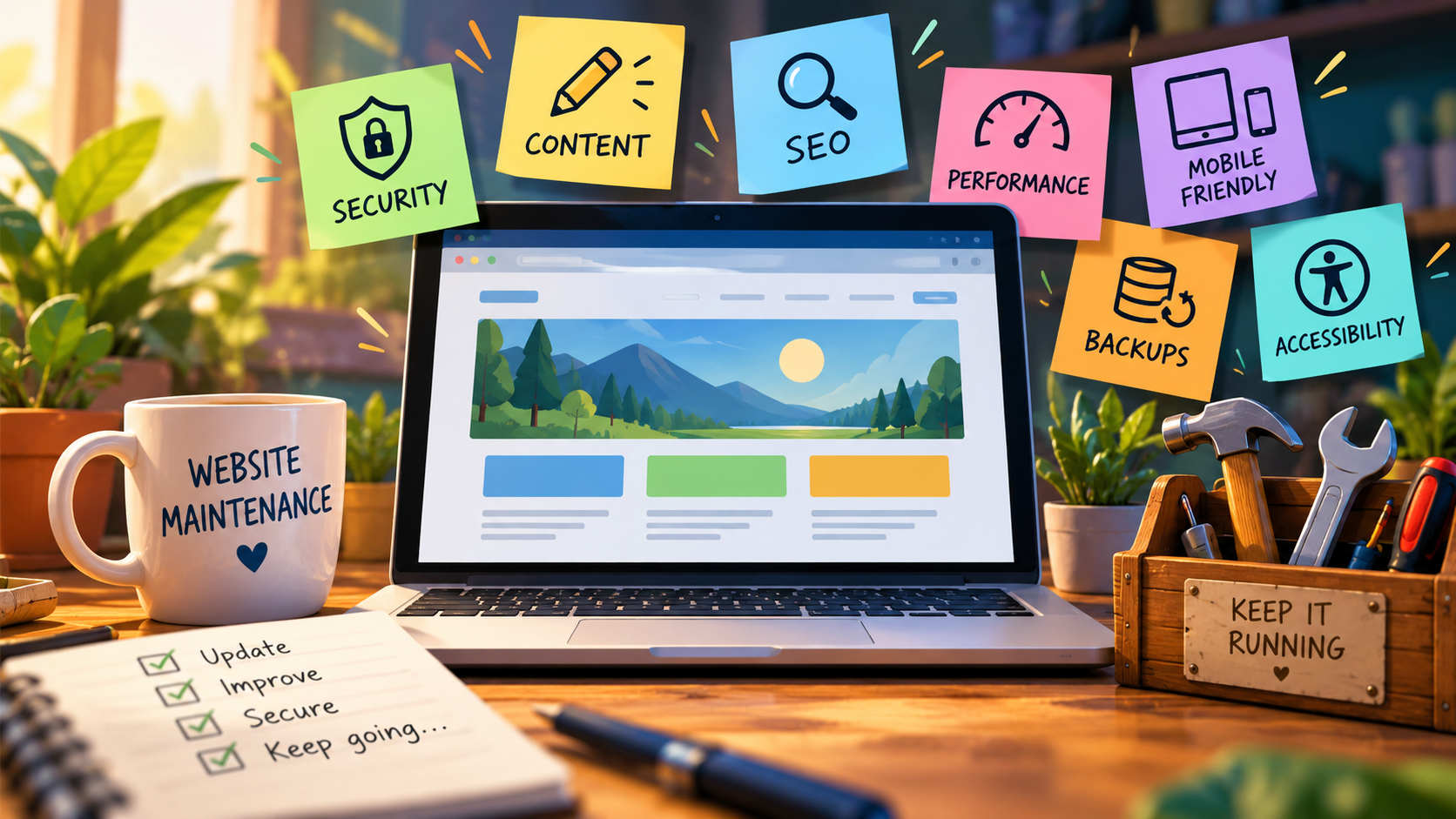
It’s a popular belief that once a website has been designed, developed, and launched, the job is done. In reality, launching a website is only the beginning of an ongoing responsibility that involves monitoring, maintaining, and ensuring your website remains secure, functional, and relevant to the people visiting it.
I originally wrote about this back in 2013, and looking back, it’s interesting how much has changed in the world of web development while so many of the same concerns remain. Technology has certainly advanced, websites have become more sophisticated, and the tools available to developers and everyday website owners have improved tremendously. However, one thing hasn’t changed. A website that is neglected will eventually begin to show its age, and sometimes in ways that aren’t immediately noticeable.
Website maintenance shouldn’t be ignored, especially by businesses, organizations, and individuals who have long-term goals for their online presence.
There are three important areas of website maintenance that I’ve always encouraged people to consider:
- Security
- Content
- Search Engine Optimization (SEO)
Of course, these aren’t the only reasons to maintain your website, but they’re certainly three of the most important. Today, I’d also include website performance, compatibility, accessibility, and reliable backups as part of that ongoing responsibility.
Keeping Your Website Secure
If you’re running a website powered by a Content Management System (CMS), such as WordPress, Joomla, Drupal, or any of the other platforms available today, keeping your software updated is incredibly important.
These systems regularly release updates that address security concerns, repair bugs, improve performance, and introduce new features. The same applies to the plugins, extensions, and themes that you’ve installed alongside them.
One of the biggest mistakes I’ve seen over the years is website owners assuming that because their website is still loading and appears to be working correctly, everything must be fine. Unfortunately, that’s not always the case. A website can look perfectly normal to its visitors while running outdated software that contains known security vulnerabilities.
I remember an example from 2011 involving a popular PHP image resizing script called TimThumb. At the time, TimThumb was being used in countless WordPress themes, including many premium themes that people had purchased from reputable marketplaces. A major vulnerability was discovered that could allow attackers to compromise websites using vulnerable versions of the script.
You can still read about that discovery in this archived article, Zero Day Vulnerability in Many WordPress Themes.
I included this example when I first wrote this article in 2013 because it demonstrated just how quickly something considered perfectly normal in web development could become a serious security concern. More than a decade later, we’re still seeing similar problems involving outdated plugins, abandoned themes, and third-party software.
The technology may have changed, but the lesson hasn’t. Just because something worked yesterday doesn’t necessarily mean it’s safe to continue using tomorrow.
Of course, maintenance isn’t simply about clicking an update button whenever WordPress tells you something new is available. Updates should be approached responsibly, with reliable backups, compatibility checks, and an understanding of how changes might affect your website.
Technology Doesn’t Stand Still
Another important consideration is the technology operating behind your website.
Many websites depend on PHP, JavaScript, databases, web servers, and other technologies that continue to evolve. As newer versions become available, older versions eventually reach the end of their supported life. This means they may no longer receive security updates or compatibility improvements.
For example, if your website depends on an outdated version of PHP, you could eventually find yourself dealing with compatibility problems when your hosting provider upgrades its servers. Functions that were once commonly used may become deprecated or removed entirely, leaving parts of your website broken or behaving unexpectedly.
I’ve worked with websites over the years that were built using technologies that were perfectly acceptable at the time. Some of those websites continued operating for years without much attention, until eventually something changed and they stopped working as expected.
It’s not necessarily that the original website was poorly developed. Sometimes technology simply moves forward while the website remains exactly where it was.
This is one of the reasons I believe regular maintenance is so important. Addressing smaller issues along the way is generally much easier than discovering years later that your entire website requires significant work just to function on a modern hosting environment.
Keeping Your Content Relevant
Security is important, but maintenance isn’t only about protecting the technical side of your website. The information you’re presenting to visitors matters just as much.
Think about how often businesses change their hours, introduce new services, update their pricing, hire new employees, or change the way they operate. If your website isn’t being updated alongside those changes, how useful is it really becoming to the people who visit it?
Imagine someone visiting your website because they’re interested in a service you offer, only to discover outdated information, broken links, or contact details that no longer work. There’s a good chance they’ll move on to someone else.
Your website should be an accurate reflection of who you are, what you’re doing, and what you have to offer.
This doesn’t mean you need to publish something new every day or constantly rewrite pages simply for the sake of making changes. Sometimes maintenance is as simple as reviewing your existing content, correcting outdated information, replacing old photographs, fixing broken links, or ensuring your contact forms are still delivering messages.
For businesses, that might mean updating service descriptions, sharing completed projects, or answering questions customers frequently ask. For someone maintaining a personal blog, it might mean revisiting older articles, updating references, and sharing new experiences.
Content maintenance is about keeping your website useful to the people who are actually visiting it.
Search Engine Optimization Still Matters
When I originally wrote this article, I emphasized that regularly updating your website helped demonstrate activity to search engines. While there’s still value in maintaining fresh and relevant content, search engine optimization has become considerably more sophisticated over the years.
Simply updating a page or changing a few words doesn’t automatically mean Google or another search engine will reward you with better rankings.
Search engines are interested in providing people with useful results that answer their questions. That means the quality, relevance, structure, and overall experience of your website all matter.
Maintaining your website gives you opportunities to improve those things.
You might discover that some of your pages contain outdated information, that your website loads slowly on mobile devices, or that important pages aren’t being indexed properly. Perhaps your images are unnecessarily large, your navigation is confusing, or your content no longer reflects the services you’re offering.
These are all things worth addressing.
It’s also worth remembering that search engines aren’t the only audience you’re trying to reach. Your website exists for people. Potential customers, clients, supporters, readers, and anyone else who might be interested in what you have to share.
I believe a website should be developed and maintained with those people in mind first. Search engine visibility is important, but bringing someone to your website means very little if their experience once they arrive is frustrating.
Performance, Mobile Devices, and Accessibility
Something I didn’t discuss much in my original article was the importance of the overall website experience.
Back in 2013, responsive web design was becoming increasingly important as smartphones and tablets changed the way people accessed the internet. Today, mobile browsing is an everyday reality, and people expect websites to work properly regardless of the device they’re using.
A website that looks wonderful on a desktop computer but is difficult to navigate on a phone isn’t providing a very good experience.
The same applies to performance. Large images, unnecessary scripts, poorly developed plugins, and overloaded hosting environments can all contribute to slower websites. Regular maintenance provides an opportunity to identify these problems and make improvements.
Accessibility is another area that deserves attention. Websites should be designed so that as many people as possible can use them, including visitors who rely on assistive technologies. Clear navigation, readable text, appropriate colour contrast, descriptive image text, and properly structured content all contribute to a better experience.
These aren’t necessarily things you address once and never think about again. As new content, features, and design elements are introduced, they should continue to be considered.
Don’t Forget About Backups
If there’s one additional subject I would strongly encourage every website owner to take seriously, it’s having reliable backups.
I’ve seen how quickly things can go wrong. Sometimes it’s a failed update, a hosting problem, an accidental deletion, or a compromised website. Whatever the reason, having a recent and working backup can make an enormous difference in how quickly you’re able to recover.
And when I say backups, I don’t simply mean assuming your hosting provider is taking care of everything.
It’s important to understand what is being backed up, how frequently those backups are created, where they’re being stored, and whether they can actually be restored when needed.
A backup that has never been tested is something I wouldn’t want to depend on entirely.
For websites that change frequently, such as online stores, membership websites, or active blogs, having an appropriate backup strategy becomes even more important.
Bringing Older Websites Back to Life
One thing I’ve always enjoyed about working in web development is the opportunity to revisit older websites and bring them up to modern standards.
Not every aging website needs to be completely replaced. Sometimes the underlying foundation is still perfectly good, and what it really needs is some attention. That might involve updating software, improving performance, refreshing the design, reorganizing content, or correcting years of accumulated issues.
Other times, a website has simply reached the point where rebuilding it makes more sense than continuing to patch things together.
I’ve worked with a variety of content management systems, scripts, and web technologies over the years, and one thing I’ve learned is that there isn’t always a single solution that works for everyone.
What matters is understanding the condition of the website, what its owner hopes to accomplish, and determining the most practical way forward.
Through my work with Build With Purpose, website maintenance continues to be an important part of helping businesses and organizations care for their online presence. Whether it’s maintaining something we’ve developed or helping restore a website that has fallen behind, there’s value in making sure the investment someone has already made continues to serve them well.
Your Website Is an Ongoing Investment
Looking back at what I wrote in 2013, I still believe the same thing today. Launching a website isn’t the finish line.
A website is something that should grow and evolve alongside the person, business, or organization it represents. It requires attention, occasional improvements, and a willingness to adapt as technology and expectations change.
You don’t necessarily need to spend hours every week working on your website, and you certainly don’t need to redesign it every time a new trend comes along. But you should have a reasonable understanding of its condition and a plan for keeping it healthy.
Whether you’re running a small personal blog, a business website, an online store, or a large organization, regular maintenance is part of protecting the time, effort, and money you’ve already invested.
Thirteen years later, my conclusion hasn’t really changed.
Website maintenance matters, and it’s something that shouldn’t be ignored.
Leave a Reply